links: 010 Vim MOC
In Vim there are three levels of view abstraction: Buffers, Tabs, Windows
Buffers
A buffer in vim is an open instance of a file. This means that the file may not be visible on the current screen, but it is saved somewhere in the memory.
Whenever you open a file in vim, that file gets put into a buffer that will remain in memory until you explicitly delete it with a call to :quit or :bdelete (a.k.a :bd). You can list all buffers open currently within a vim session by typing :ls
Some other useful commands
:zz Center the current line within the window
:zt Bring the current line to the top of the window
:zb Bring the current line to the bottom of the window
Windows
A window in vim is a viewport on to a single buffer. You can open a new window with :split or :vsplit (:vs), including a file name in the call. This opens your file as a new buffer (again, similar to a tab in traditional editor) and opens a new window to display it. This is what a vim session with multiple windows open (horizontally and vertically) look like
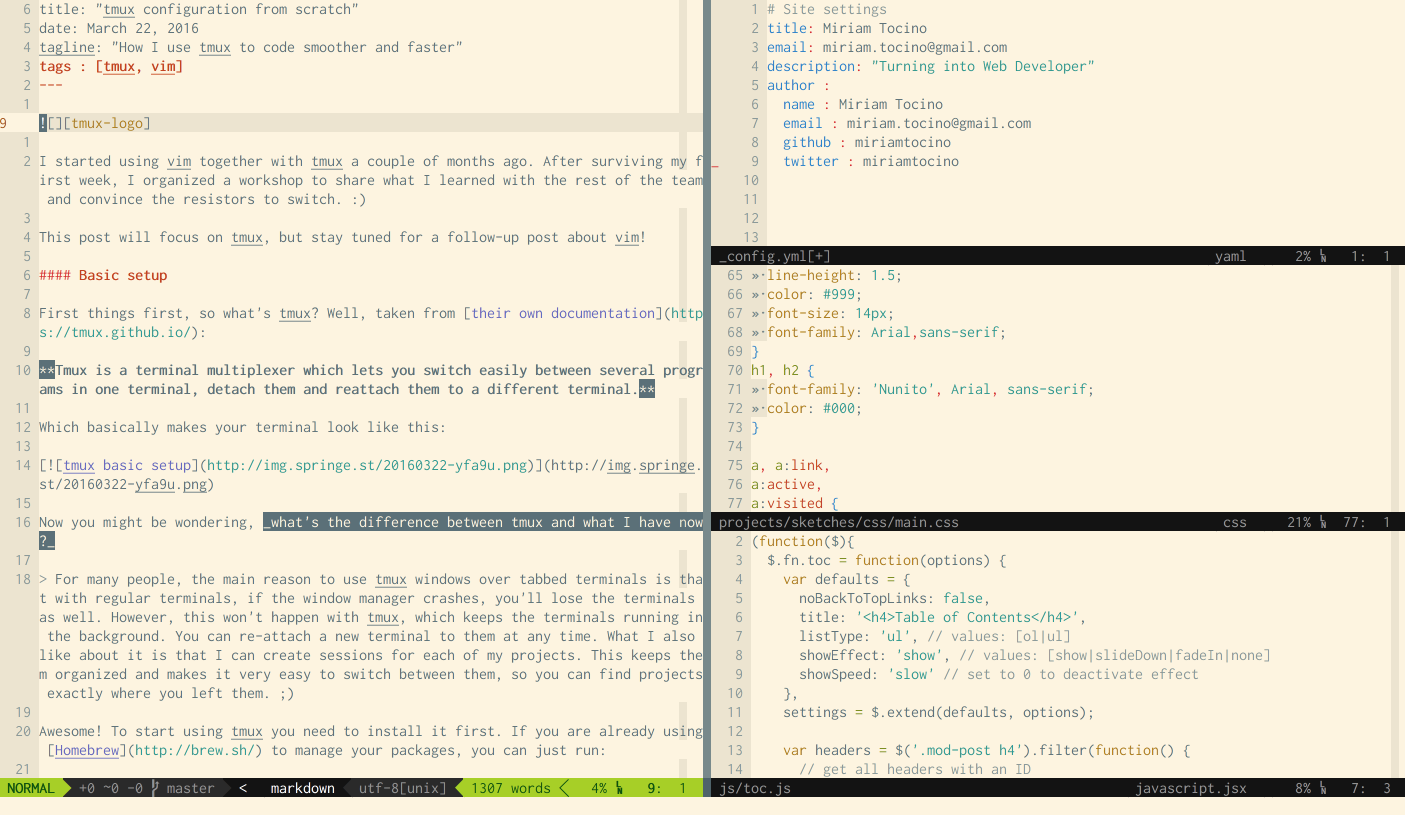
Windows are also referred to as Splits
Some useful commands:
:new <file-name>- open a new window above the current window:vnew <file-name>- open a new window beside the current window:split <file-name>- Edit the specified file in new window above the current window:vsplit <file-name- Edit the specified file in a new window beside the current<Ctrl-w>h,j,k,l- Navigate to the window in the given direction
Tabs
A tab in vim is a collection of one or more windows. This allows you to group windows in a useful way.
Let’s look at some related commands:
:tabnew- opens a new tab:tabedit <file-name>edit the file with the provided name in a new tab:gt- go to next tab open:gT- go to previous tab open<Ctrl-w>T- Break the current window on to a new tab
tags: vim